.png)
How Austin's tech professionals can use ergonomics as a performance-enhancing system for hybrid work

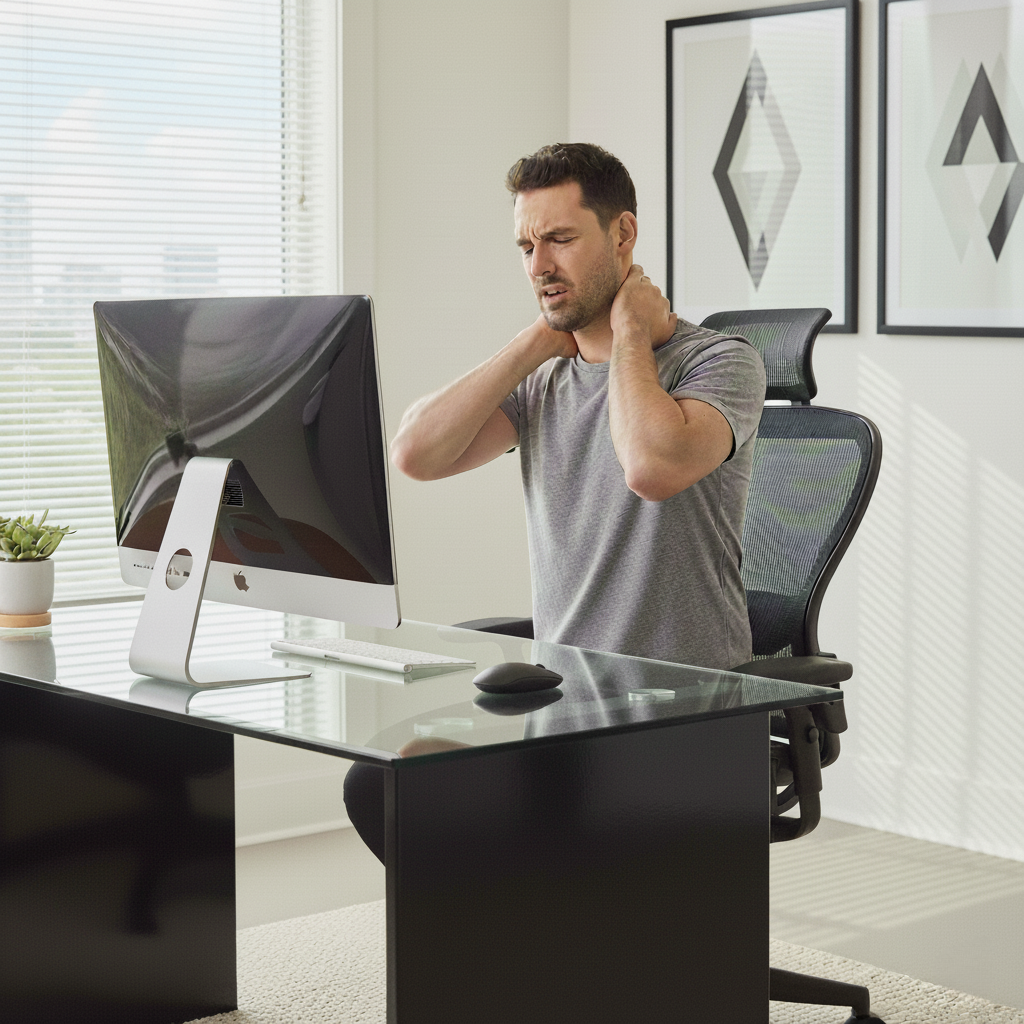
For Austin's thriving tech talent, ergonomics has evolved beyond simple pain prevention. It is now a critical performance-enhancing system that unifies a home office, mitigates the friction of hybrid work, and complements the city's active culture. By optimizing your physical environment, you directly invest in cognitive output, career longevity, and overall well-being in a competitive market.
The 'Austin Paradox': Why Your Greenbelt Hike Can’t Counteract a Poor Desk Setup
In Austin, TX, it’s common to see a software engineer from a company at The Domain finish a grueling week of coding and then spend their Saturday morning kayaking on Lady Bird Lake or running the trails. This active, outdoorsy lifestyle is a core part of our city's identity. However, a dangerous misconception exists: that a weekend of intense activity can undo 40+ hours of static, compromised posture. This is the Austin Paradox.
The reality is that musculoskeletal health in the workplace is not built on grand gestures but on consistent, small adjustments. The strain from an improper home office setup for neck and shoulder pain isn't erased by a single workout. Instead, the damage accumulates through repetitive micro-traumas. This is why non-traditional EHS risks in the tech industry include a high incidence of repetitive strain injuries and musculoskeletal problems, particularly for remote workers according to industry analysis. Proactive ergonomics for injury prevention focuses on integrating 'micro-movements' throughout the day. This is far more critical than relying on a single daily gym session to fix bad posture at a desk job.
Beyond the Perfect Desk: Building a Portable Ergonomic Toolkit for Hybrid Friction
As the hybrid work model becomes a permanent fixture for many Austin tech companies, workers face a new ergonomic challenge: inconsistency. The perfect setup in your home office means little if you spend two days a week contorted over a laptop on a generic hot-desk. This constant switching between environments creates physical and mental friction, preventing your body from adapting and leading to chronic strain.
The solution is to think beyond a single, static workstation and build a portable, consistent 'ergonomic toolkit'. This doesn't require duplicating expensive office furniture. Instead, it involves a few key ergonomic accessories for laptop users that create a uniform experience wherever you work:
- A Portable Laptop Stand: This is non-negotiable for achieving the correct monitor height for posture, ensuring your screen is at eye level to prevent computer neck strain.
- An External Keyboard and Mouse: Using a laptop's built-in trackpad and keyboard for extended periods is a primary cause of work-related musculoskeletal disorders (WMSDs). An external, ergonomic keyboard and mouse offer substantial benefits. Many find that the benefits of a vertical mouse for wrist pain, for example, are immediate and can be crucial for how to avoid carpal tunnel from typing.
- A Detachable Lumbar Support Cushion: Good lumbar support for office chair recommendations often includes portable options that can be used on your home chair, your corporate campus chair, or even in your car during the commute down Mopac.
This approach transforms your personal space into a consistent, optimized ecosystem, reducing the cognitive load of readjusting and allowing your body to maintain a healthy posture regardless of location. For those needing expert guidance, a virtual workstation setup assistance service can provide a professional ergonomic risk assessment for office environments remotely.
Ergonomics as a Productivity Stack: Matching Posture to Task for Peak Cognitive Output
Advanced ergonomics is not just about physical comfort; it's a tool for hacking your productivity. The concept of an 'Ergonomics Productivity Stack' involves strategically pairing specific postures with specific types of tasks to maximize your cognitive output. Rather than sitting for eight hours straight, you cycle through positions that are optimal for the work at hand.
Consider this framework for a healthy workstation setup for developers or other tech professionals:
- Standing/Perching (High-Energy, Creative Tasks): Use your adjustable height desk for home office brainstorming sessions, team stand-ups via Zoom, or initial design mockups. Standing promotes blood flow and alertness. Indeed, a study by the CDC noted a 54 percent decrease in musculoskeletal pain among workers who alternated sitting and standing.
- Focused Sitting (Deep Work, Coding): When you need to eliminate distractions and enter a flow state for deep-focus coding or data analysis, a proper ergonomic sitting posture is key. This is when you ensure your feet are flat, your back is supported by the chair, and your arms are at a 90-degree angle.
- Reclined Contemplation (Problem-Solving, Review): A slight recline in an ergonomic office chair can be ideal for reviewing code, reading complex documents, or thinking through architectural problems. This position reduces pressure on the spine while keeping you engaged.
By consciously aligning your physical state with your mental objectives, you move from passively enduring your workday to actively engineering it for peak performance. This is a core principle behind modern employee productivity and wellness solutions.
From Reactive Treatment to Proactive Optimization: A Clinical Perspective
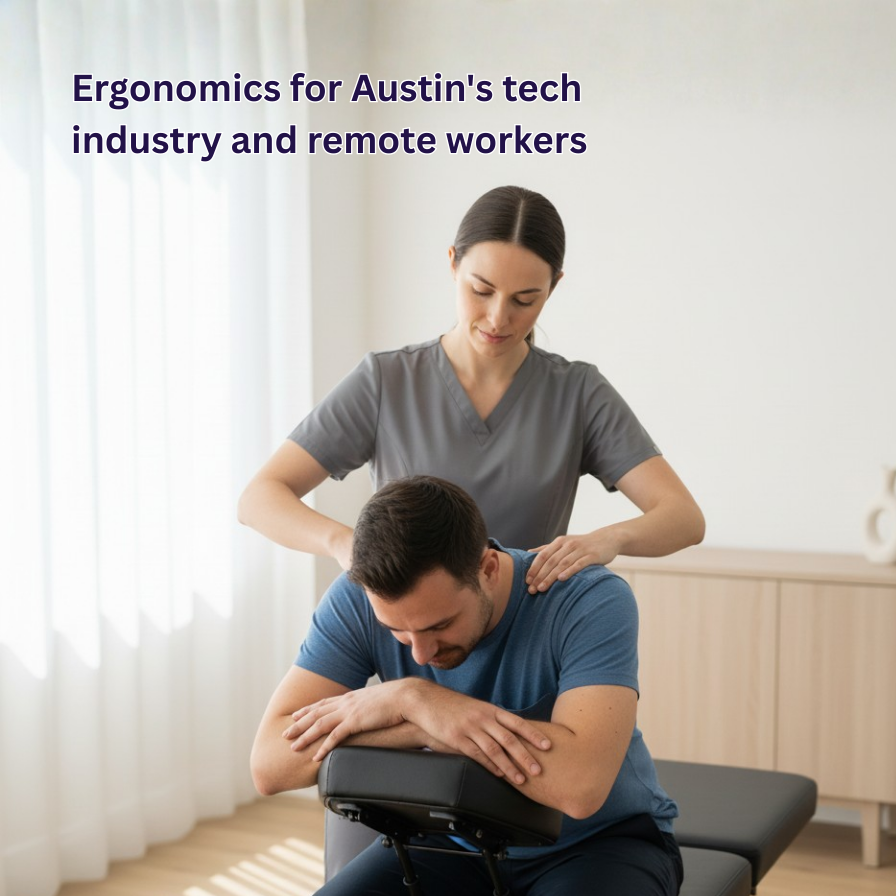
The traditional approach to workplace pain is reactive. You develop neck pain, you seek treatment. Your wrist starts hurting, you buy a brace. At Pure Relief Pain Solutions Chiropractic, our clinical philosophy centers on a proactive, performance-oriented model. Why is workplace ergonomics important for tech companies? Because preventing the fire is always better than putting it out. This shift in mindset has profound implications.
Traditional Pain Management vs. Modern Performance Enhancement
Traditional methods often focus solely on alleviating existing symptoms. Modern performance enhancement, which leverages advanced therapies like Shockwave therapy, sees the absence of pain as the baseline, not the goal. The objective is to optimize the entire musculoskeletal system for resilience and high performance, whether at a keyboard or on a golf course. As one of our patients noted, "Shockwave treatment has helped my shoulder pain tremendously! It has allowed me to start playing golf again..." This demonstrates a return not just to a pain-free state, but to a high-performance lifestyle.
Isolated Office Ergonomics vs. Integrated Home/Work/Lifestyle Ecosystem
Old-school corporate ergonomics programs often stopped at the office door. An integrated approach, essential for Austin's hybrid workers, considers the entire ecosystem. It analyzes your home setup, your office workstation, your commute, and even how your posture during leisure activities impacts your work. A comprehensive ergonomic assessment for businesses in Austin should encompass this entire continuum of daily life.
Reactive Treatment vs. Proactive Optimization
Waiting for a repetitive strain injury to manifest before seeking help is a losing strategy. Proactive optimization involves identifying ergonomic risk factors in the office or home before they cause injury. This includes preventative ergonomics training for employees and regular consultations with an ergonomic specialist. This aligns with the paradigm of Industry 5.0, which posits that worker well-being is key to enhancing productivity and optimizing human-machine interaction.
Answering Your Key Ergonomic Questions
To fully implement an ergonomic strategy, it’s vital to understand the core principles. Here are answers to some common questions we hear at our Austin clinic.
What are the 5 components of ergonomics?
A comprehensive understanding of ergonomics involves five key components: safety, comfort, ease of use, productivity/performance, and aesthetics. A truly ergonomic design successfully balances these five elements to create a workstation that is not only safe and comfortable but also enhances your ability to perform your work efficiently and effectively.
What is the 30/30 rule in ergonomics?
While the 20-20-20 rule for eye strain (every 20 minutes, look at something 20 feet away for 20 seconds) is well-known for preventing computer vision syndrome, the 30/30 rule is another useful guideline. It suggests that for every 30 minutes of sitting, you should stand for 30 seconds to a few minutes. This simple habit encourages movement, improves circulation, and helps reduce back pain from sitting at a desk.
Are employers required to provide ergonomic equipment for remote employees?
This is a complex area. While OSHA's general duty clause requires employers to provide a workplace free from recognized hazards, its direct application to home offices is nuanced. Many leading Austin tech companies have implemented a remote ergonomics policy or offer remote employee wellness stipend ideas to help cover the cost of equipment. It is always best to check with your company's HR department, as policies vary widely. Regardless of official policy, investing in your own health is paramount.
What are the 5 emerging technologies in ergonomics and why do they matter?
The field is rapidly advancing. Five key technologies are shaping its future: 1. Wearable Sensors: Devices that provide real-time haptic feedback to correct poor posture. 2. AI-Powered Software: Programs that use your webcam to analyze posture and suggest adjustments. 3. Exoskeletons: While more common in industrial settings, lightweight versions are emerging to provide support for office workers. 4. Smart Furniture: Desks and chairs that automatically adjust height and position based on your activity or pre-set schedules. 5. Virtual Reality (VR) Assessments: Immersive tools for human factors and ergonomics consulting that allow specialists to design and test workstations in a virtual environment before implementation.
Calculating Your 'Ergo-nomic' ROI: An Investment in Your Austin Career
In a competitive talent market like Austin, career longevity is a significant advantage. Framing your investment in a proper setup as a direct performance benefit, rather than just a health cost, is the correct perspective. Consider the cost of inaction: missed workdays, reduced coding efficiency due to pain, and the potential for a debilitating injury that could sideline your career.
A formal ergonomic workstation evaluation or seeking help from a work from home setup service in Austin isn't an expense; it's an investment with a clear return. The improved focus, sustained energy, and prevention of chronic conditions directly translate to higher productivity and a longer, more successful career. After an injury, the road back can be long. One patient shared, "I was in a car collision and had nonstop knee and leg pain. Shockwave therapy has helped more than anything else..." While our advanced therapies are highly effective for recovery, our primary goal is to use ergonomics to prevent you from ever needing them.
Making the Right Choice for Your Needs
The ideal ergonomic strategy is not one-size-fits-all. It depends on your unique work habits, physical condition, and professional goals. Here is some tailored advice for common profiles in the Austin tech scene.
The Remote Tech Professional
You experience pain and decreased productivity from a suboptimal home office setup. Your focus should be on creating a dedicated, highly optimized primary workstation. Invest in the best ergonomic office chair for long hours you can afford, a high-quality adjustable height desk, and proper monitor placement. A virtual ergonomic assessment is a perfect first step to get expert guidance on maximizing your space, even if you're working from an apartment in East Austin or the Mueller development.
The Hybrid Commuter
You face friction from switching between your home and a corporate campus. Your priority is consistency. Focus on building the portable 'ergonomic toolkit' mentioned earlier: a great laptop stand, an external keyboard, and a vertical mouse. This ensures that your core postural interface—how your hands, wrists, neck, and spine interact with your technology—remains the same, reducing the daily strain of readjustment.
The 'Work Hard, Play Hard' Athlete
Your desk job is negatively impacting your athletic hobbies, like cycling, running, or golf. You should view ergonomics as a critical component of your overall training regimen. Your goal is performance enhancement. A professional ergonomic specialist for the Austin tech scene can help you identify how specific postural habits at your desk are creating imbalances that affect your sport. This integrated approach can unlock new levels of performance both in the office and on the field.
Ultimately, the best approach is one that is tailored to your specific body, your work demands, and your lifestyle goals. For a personalized ergonomic assessment and to explore advanced, non-invasive therapies designed for performance and pain relief, we invite you to contact our team of experts. At Pure Relief Pain Solutions Chiropractic, we provide the clinical guidance and ergonomic services Austin's top tech professionals need to thrive.


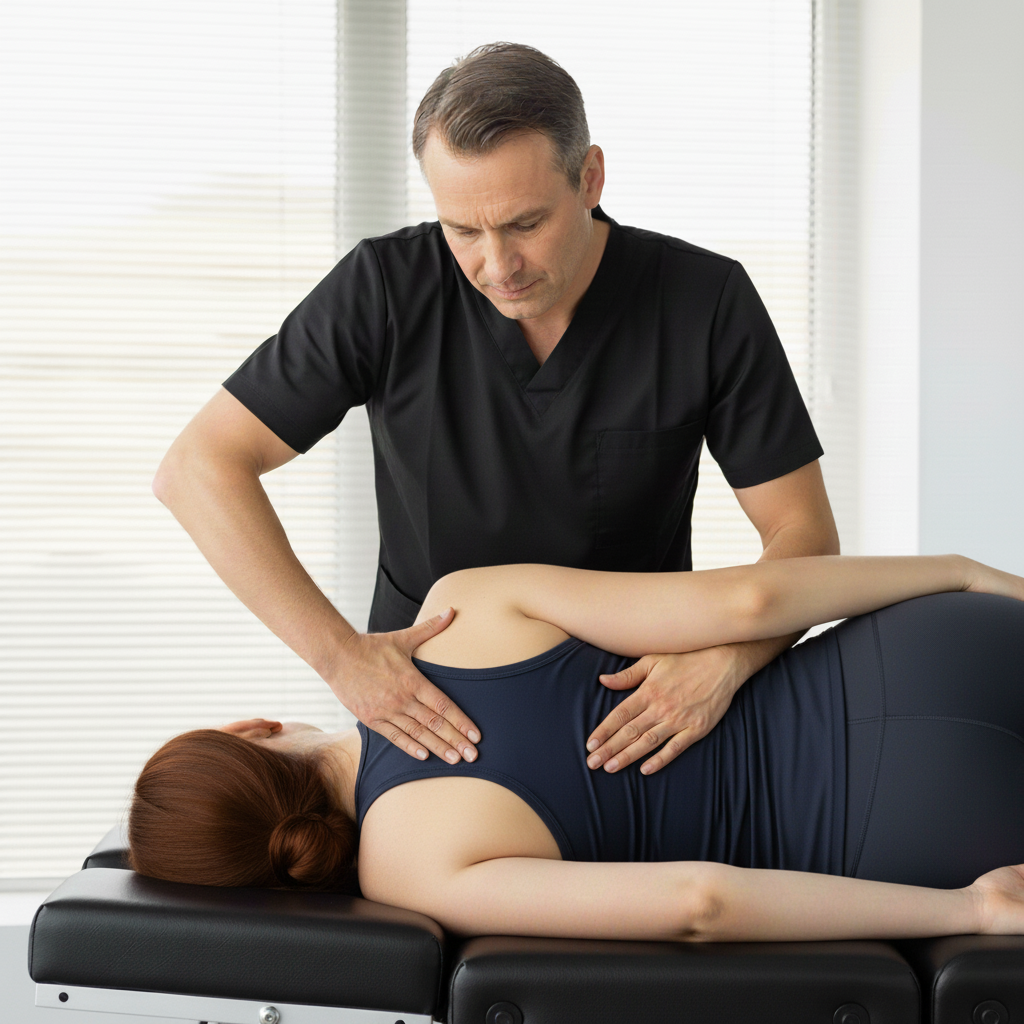
Call us today or use our contact form to request an appointment and start getting relief.

